
Building a Budget PC Gaming Setup
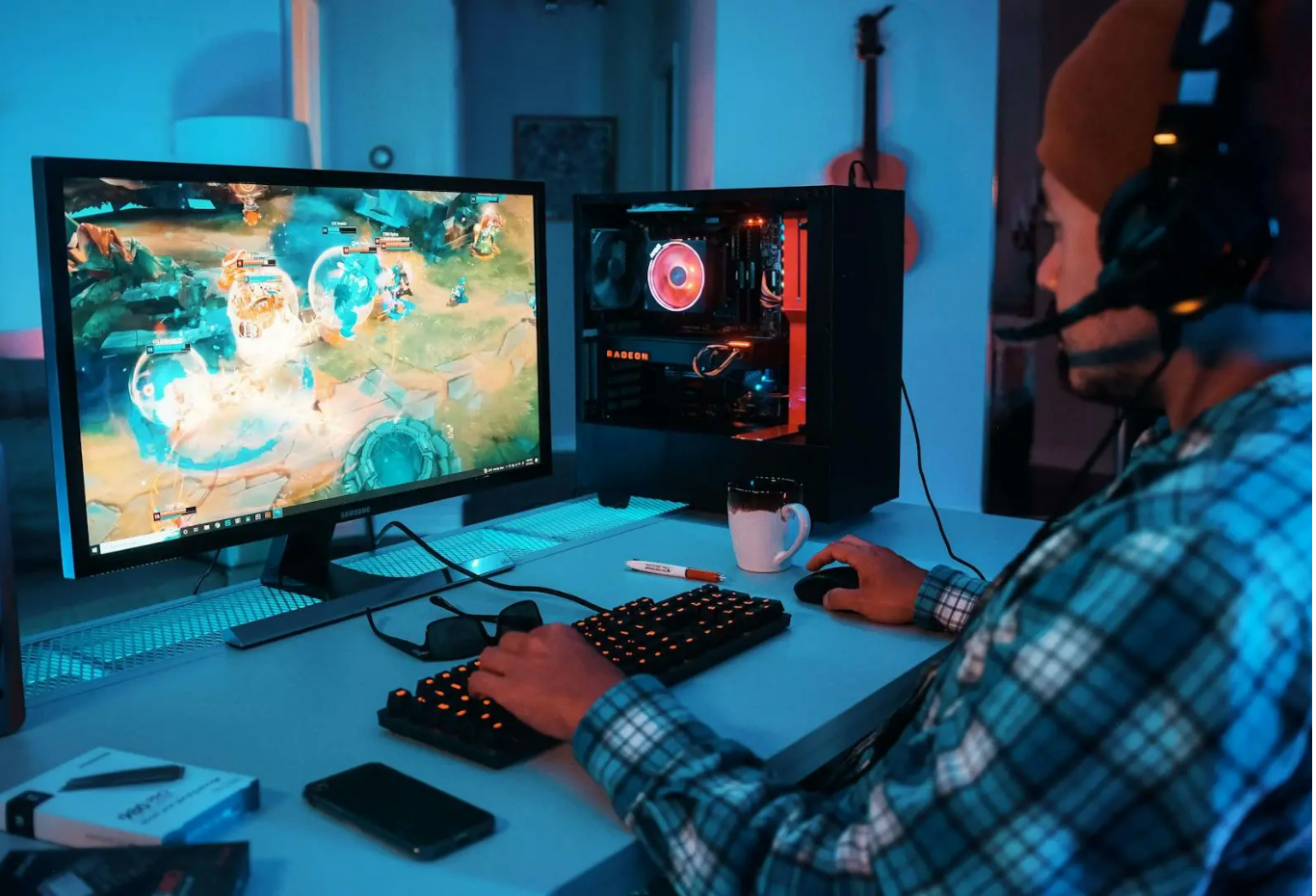
Building a gaming PC can seem expensive, especially when you look at high-end graphics cards, powerful processors, RGB accessories, premium monitors, and gaming peripherals. Fortunately, you do not need an expensive setup to enjoy PC gaming.
A carefully planned budget PC gaming setup can deliver an enjoyable gaming experience while keeping costs under control. The secret is knowing where to spend your money, where you can save, and which features actually matter for the games you play.
Whether you are building your first gaming computer or upgrading an older system, this guide explains how to create an affordable gaming setup without sacrificing the essentials.
1. Set a Realistic Gaming Budget
Before buying any component, decide how much you can comfortably spend.
A gaming setup involves more than just the computer. Your budget may need to cover:
- CPU
- GPU
- Motherboard
- RAM
- Storage
- Power supply
- PC case
- Monitor
- Keyboard
- Mouse
- Headset or speakers
If you already own a monitor, keyboard, or mouse, you can redirect that money toward the computer itself.
Creating a complete budget before shopping helps prevent one expensive component from consuming most of your available money.
2. Choose Your Games First
Your preferred games should influence your hardware choices.
A person who mainly plays lightweight competitive games may have very different requirements from someone who wants to play graphically demanding AAA games.
Think about the games you actually play and the resolution you want to use.
For example, a 1080p gaming PC is generally a more affordable target than a system designed for high-refresh-rate 4K gaming.
Instead of buying the most powerful hardware available, choose components based on your actual gaming requirements.
3. Spend More on the Graphics Card
For many gaming systems, the graphics card is one of the most important components affecting gaming performance.
When building a budget gaming computer, try to allocate a reasonable portion of your budget toward the GPU.
However, that does not mean buying the most expensive graphics card you can afford.
Look for a model that offers good performance for your preferred games and resolution.
If you are primarily gaming at 1080p, spending significantly more for hardware designed for higher resolutions may provide limited value.
The goal is to find the right performance-to-price balance.
4. Choose a Capable but Affordable CPU
The processor is another important component, but budget builders often make the mistake of spending too much on the CPU.
For a gaming-focused computer, a mid-range processor can often provide excellent performance without the cost of a premium enthusiast model.
When comparing CPUs, consider:
- Gaming performance
- Number of cores
- Power consumption
- Platform compatibility
- Upgrade options
- Price
You should also make sure your CPU and motherboard are compatible before purchasing.
A balanced CPU and GPU combination is generally more useful than pairing an expensive processor with a weak graphics card.
5. Get Enough RAM
RAM affects how smoothly your computer handles games and multitasking.
For a modern budget PC gaming setup, having enough memory is important. Instead of paying extra for extremely high-capacity RAM that you may not need, choose a sensible amount based on current game requirements and your other activities.
If you plan to stream, edit videos, keep many browser tabs open, or use other applications while gaming, additional RAM may be worthwhile.
Also check motherboard compatibility before purchasing memory.
6. Choose an SSD for Faster Everyday Performance
Storage affects how quickly your computer starts and how quickly games and applications load.
A solid-state drive (SSD) is generally a worthwhile investment for a modern gaming computer.
You do not necessarily need the most expensive SSD available. A reliable budget model with sufficient capacity can provide excellent everyday performance.
If your budget is limited, start with enough storage for your operating system and most-used games. You can add additional storage later as your library grows.
7. Don't Overspend on the Motherboard
The motherboard is essential because it connects your components, but you do not need a premium motherboard for a basic gaming setup.
Choose a reliable board with the features you actually need.
Consider:
- CPU compatibility
- RAM support
- Storage connections
- USB ports
- Expansion slots
- Networking features
- Upgrade options
Premium motherboards may offer additional features that provide little benefit to a typical budget gamer.
Money saved on the motherboard can potentially be invested in the GPU, monitor, or other components that have a more noticeable impact on your gaming experience.
8. Choose a Reliable Power Supply
The power supply is one component where you should avoid extreme cost-cutting.
A poor-quality PSU can cause system instability and potentially damage components.
Choose a reputable power supply with appropriate capacity and efficiency for your system.
Do not buy an unnecessarily powerful PSU simply because a higher wattage number sounds better. At the same time, make sure the PSU has enough capacity for your hardware and potential upgrades.
A reliable power supply is an important part of a cheap gaming setup because replacing damaged hardware can be much more expensive than buying a quality PSU initially.
9. Save Money on the PC Case
A gaming PC case does not need to be expensive to look good and function properly.
Instead of paying extra for elaborate RGB lighting or premium materials, focus on practical features.
Look for:
- Good airflow
- Appropriate fan support
- Easy cable management
- Compatibility with your components
- Accessible ports
- Reasonable build quality
A simple case with good airflow can be a better investment than an expensive case that offers mostly cosmetic upgrades.
If you like RGB lighting, you can always add affordable lighting later.
10. Consider Used or Refurbished Hardware
Buying used components can reduce the cost of a gaming computer significantly.
Graphics cards, monitors, cases, and other components may be available through reputable second-hand sellers.
However, used hardware requires caution.
Ask about the component's age, condition, warranty, and usage history. Test hardware when possible before completing a purchase.
For expensive components, buyer protection and return policies are particularly valuable.
Avoid suspiciously cheap products from unknown sellers. A bargain is not a bargain if the component fails immediately.
11. Choose a Budget-Friendly Gaming Monitor
Your monitor has a major influence on how your games look and feel.
For a budget setup, 1080p can be an excellent starting point.
Depending on your games, you may also want to consider:
- Refresh rate
- Response time
- Screen size
- Panel type
- Adaptive-sync support
- Connectivity
Competitive gamers may prioritize a higher refresh rate, while casual gamers may prefer a larger screen or better image quality.
There is no need to spend heavily on features that do not matter to your gaming style.
12. Don't Overspend on Gaming Accessories
Gaming keyboards, mice, headsets, and other accessories can become surprisingly expensive.
You do not necessarily need premium gaming peripherals to enjoy PC games.
A comfortable keyboard and accurate mouse are more important than elaborate lighting or expensive branding.
When choosing a mouse, pay attention to comfort, shape, sensor performance, and button layout.
For headphones or a headset, prioritize comfort and sound quality.
Buy accessories based on functionality rather than appearance.
13. Buy Games Strategically
Building a budget gaming setup is only half the challenge. Games themselves can become expensive.
Instead of purchasing every new release at launch, consider waiting for legitimate sales.
Digital game stores frequently discount older titles, bundles, and seasonal collections.
You can also build a library gradually rather than buying dozens of games at once.
A large collection of games does not provide much value if you never have time to play them.
14. Upgrade Instead of Rebuilding
One major advantage of a PC is that you can upgrade individual components over time.
Instead of replacing your entire system when performance starts to decline, identify the component causing the limitation.
For example, you might upgrade:
- Graphics card
- RAM
- SSD
- CPU
- Cooling
A gradual upgrade strategy can make PC gaming on a budget much easier.
However, always check compatibility before upgrading. A new CPU may require a different motherboard, while a more powerful graphics card may require additional power or case space.
15. Prioritize Performance Over Appearance
RGB lighting, custom cables, premium cases, vertical GPU mounts, and decorative accessories can make a gaming PC look impressive.
But they generally do not make your games run faster.
If your budget is limited, prioritize:
GPU → CPU → RAM → SSD → monitor → peripherals → aesthetics
The exact order can vary depending on your existing hardware, but performance should generally come before decoration.
You can always improve the appearance of your setup later.
A Simple Budget PC Gaming Setup Plan
A practical approach is to divide your budget into three areas:
Core PC
Spend most of your money on the components that directly affect gaming performance.
Display
Choose a monitor that matches the capabilities of your computer rather than buying a display your GPU cannot fully utilize.
Accessories
Keep the keyboard, mouse, headset, and other accessories functional and affordable.
This approach helps create a balanced system rather than an expensive setup with one impressive component and several weak ones.
Common Budget Gaming Mistakes to Avoid
Avoid buying components without checking compatibility.
Do not spend most of your budget on aesthetics while compromising performance.
Do not choose an unknown power supply simply because it is cheap.
Avoid buying more performance than your monitor or games require.
Finally, do not rush into purchases because a product is labeled as a "limited-time deal." Compare prices and make sure the hardware actually fits your needs.
Final Thoughts
Building a budget PC gaming setup is about making smart compromises rather than buying the cheapest hardware available. Start by identifying the games you want to play, choose an appropriate resolution, and prioritize components that directly affect performance.
A balanced graphics card and processor, sufficient RAM, reliable storage, a quality power supply, and an affordable monitor can provide an excellent foundation. You can save money by choosing practical cases and peripherals, considering reputable used hardware, and upgrading your system gradually.
Most importantly, remember that a gaming PC does not need to look expensive to perform well. Focus your budget on the features that actually improve your gaming experience.
With careful research and smart purchasing decisions, you can build a gaming PC cheaply while still creating a setup that is enjoyable, reliable, and capable of handling the games you love.